
Snapshots
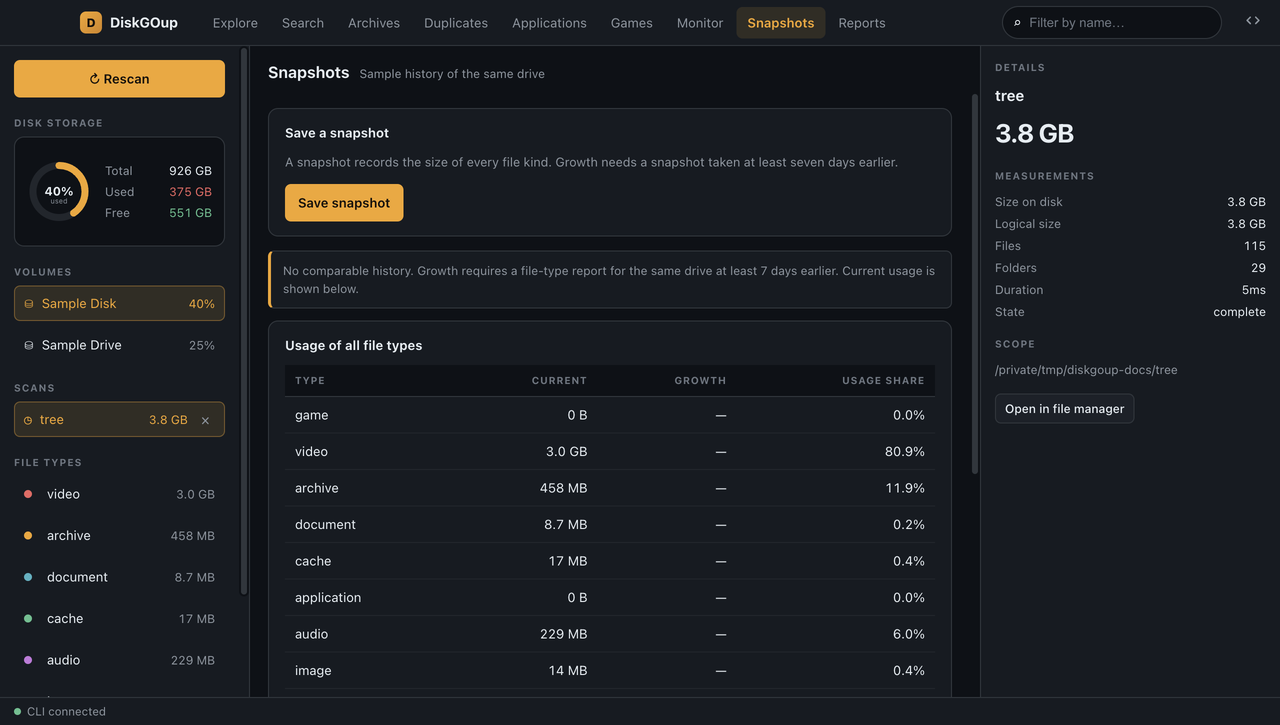
A snapshot records the size of every file kind of a scan. Save snapshot takes one and keeps it in the index, with its label, its total and the moment it was taken.
The growth of a drive needs two snapshots: a current one and one taken at least seven days earlier. With only one snapshot the section says so — “No comparable history” — and shows the current usage instead of a made-up change.
With a comparable history the header shows the current total and the seven-day change, green for a shrink and red for a growth. The table below breaks that change down per file type: the current size, the growth and the share of the usage.
See Snapshots for the command-line equivalent.