
Applications
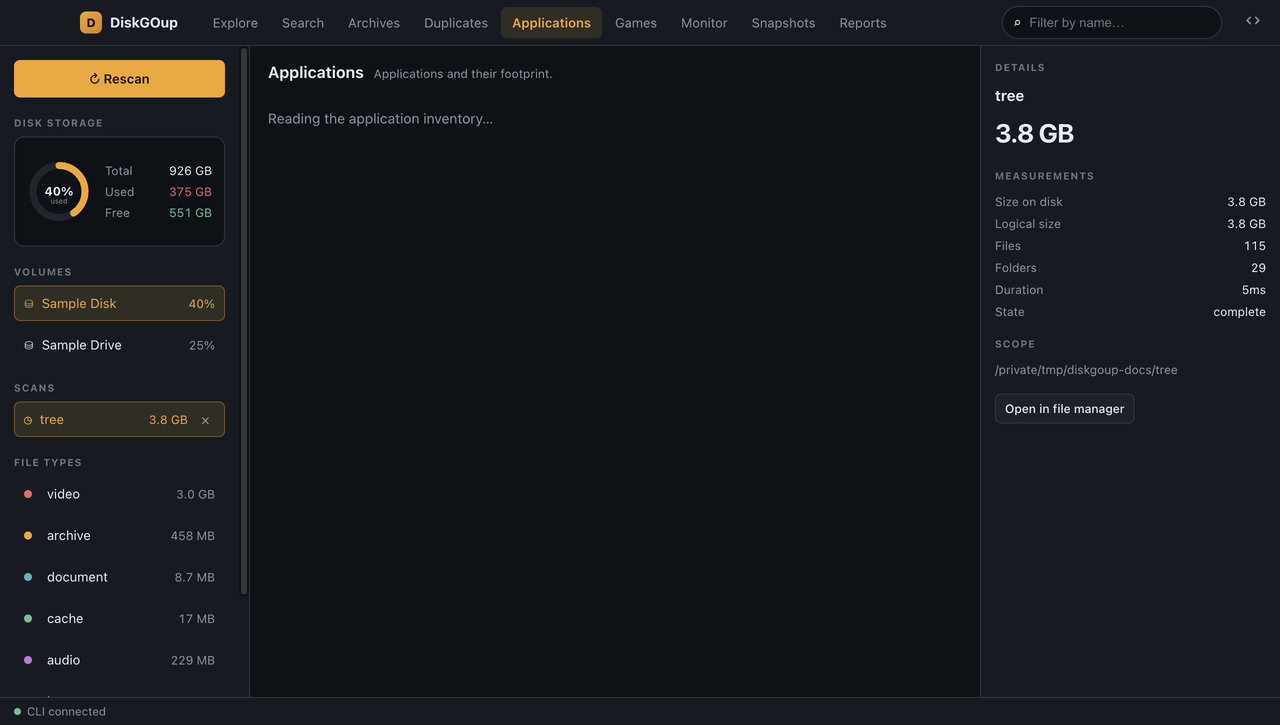
The Applications section is an inventory of what is installed on the machine, with the space each program occupies.
| Platform | Where it looks |
|---|---|
| macOS | .app bundles in /Applications and ~/Applications |
| Linux | .desktop entries and the packages of the common prefixes |
| Windows | The entries of the uninstall registry |
The header counts the applications and adds up their size. Every row shows the name, the version, the size and where the program lives.
Removing one
Section titled “Removing one”Remove opens a dialog with the path and the size of the application and offers the two ways out:
- Move to Trash — recoverable. The space comes back when the Trash is emptied.
- Delete permanently — a second confirmation, because it cannot be undone.
An application that belongs to the operating system carries a system badge and its button is disabled — the reason is in the tooltip.
See Applications for the command-line equivalent.