
The desktop app
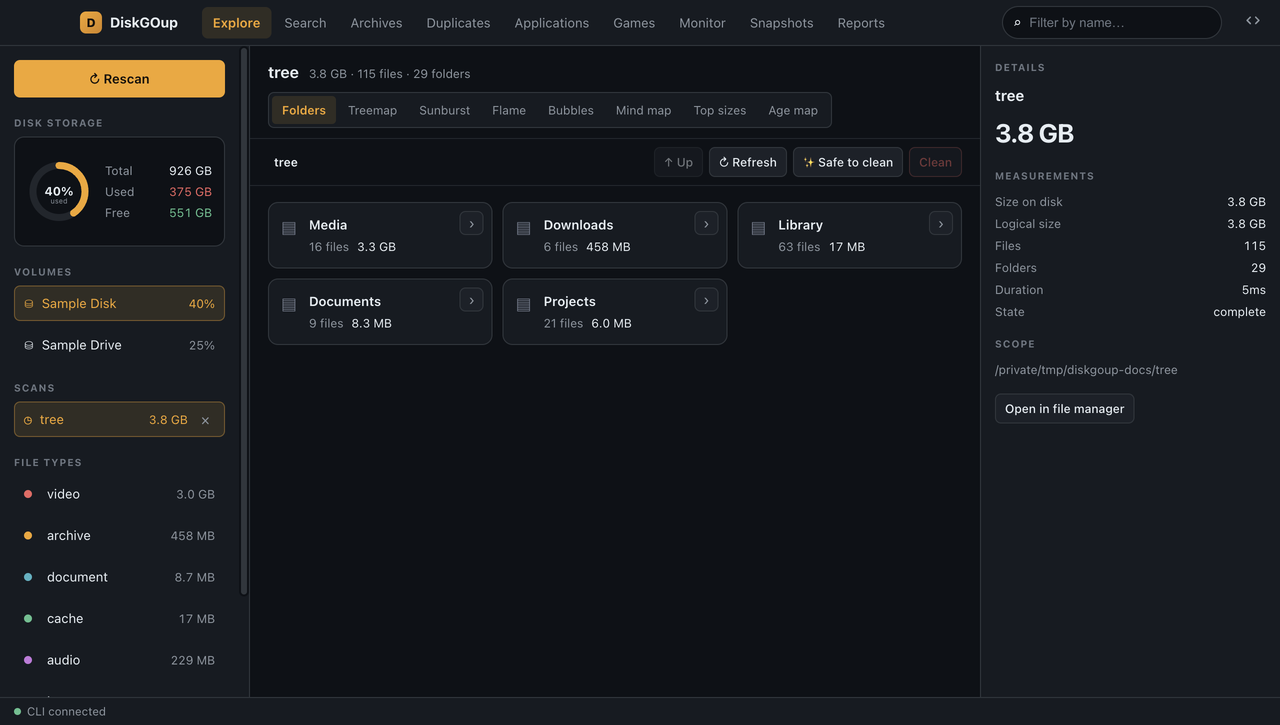
The desktop app is a front-end over the CLI, not a second implementation.
Every number it shows was measured by the same Python code the command line
uses: the app starts diskgoup serve as a child process and asks it
questions over JSON-RPC. Delete the app and nothing is lost — the whole
feature set is still on the command line.
Starting the app
Section titled “Starting the app”The desktop app needs the renderer (a Vite dev server) and the Electron shell. Two terminals, from the repository root:
# terminal 1 — the renderer, on http://localhost:5173npm --prefix ui run dev
# terminal 2 — the appnpm --prefix electron run dev
The second command compiles the Electron main process, builds the CLI binary
with PyInstaller, copies it into electron/resources/ and opens the window. The
app therefore always talks to your current code.
If the CLI binary is missing, the app refuses to start and says exactly which command to run — a blank window is never left in front of you.
The window
Section titled “The window”| Part | What it is |
|---|---|
| Top bar | The section tabs, the name filter and the focus button. |
| Sidebar | Rescan, the disk-usage ring, the volumes, the stored scans, the file-type breakdown and the reset button. |
| Workspace | The section itself — the part that changes when you switch tabs. |
| Inspector | The measurements of the open scan, or of the entry you selected. |
| Status bar | Whether the CLI is connected, plus the last message. |
Every section reads the same scan. The scan id pins every read to one entry in the CLI’s index, so opening a stored scan never walks the disk again.
The sections
Section titled “The sections”| Section | What it does | Page |
|---|---|---|
| Explore | Browse a scan as folders or as a chart, and clean it safely. | Explore |
| Search | Find files by name, path, type, date and size — all conditions together. | Search |
| Archives | Look inside ZIP archives without extracting anything. | Archives |
| Duplicates | Find identical content and remove the extra copies. | Duplicates |
| Applications | The installed applications and the space they take. | Applications |
| Games | The Steam and Epic libraries and the size of each game. | Games |
| Monitor | Live disk and network readings. | Monitor |
| Snapshots | The size history of a drive, with the seven-day change. | Snapshots |
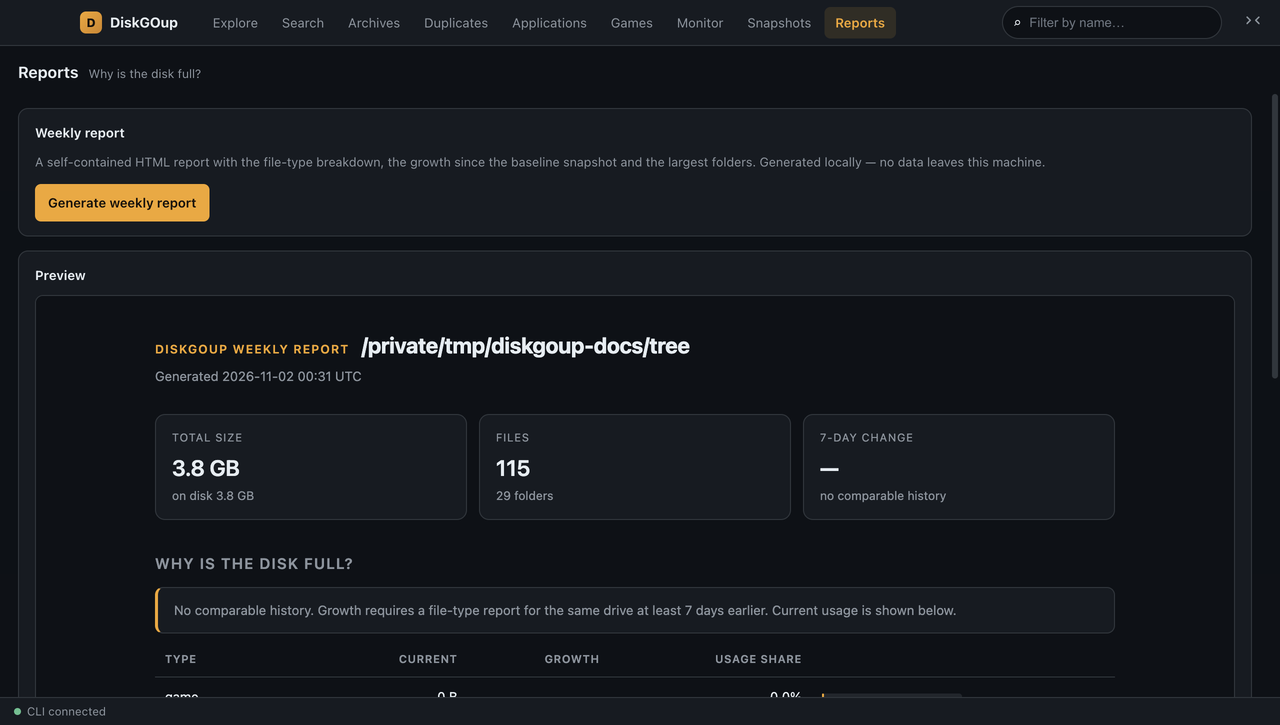
| Reports | A weekly HTML report and a file-type CSV. | Reports |
The sidebar
Section titled “The sidebar”The sidebar is the same on every section.
- Rescan — walks the open scan’s root again and corrects the index.
- Disk storage — a ring with the percentage of the volume in use, plus the total, the used and the free space. It turns red past 90 %.
- Volumes — every volume the platform reports. Click one to scan it.
- Scans — every scan in the index, newest first. Click one to open it (no new walk), or use × to remove it from the index. Removing a scan deletes the index rows, never a file.
- File types — the breakdown of the open scan by kind, read straight from the index.
- ⟲ Reset app — deletes the scan index and writes an empty one in its place, so the app starts over from scratch. This is the way out of an index that is corrupted or stuck: a running scan is stopped first, the old database is removed before anything tries to open it, and no file on your disk is touched.
Focus mode
Section titled “Focus mode”The button at the far right of the top bar hides both side panels and gives
the workspace the full width of the window. Esc brings them back.
The application icon
Section titled “The application icon”
The icon is drawn from code — electron/scripts/make-icon.py — so it can be
regenerated at any size:
python3 electron/scripts/make-icon.pyIt writes electron/build/icon.png (macOS and Linux), electron/build/icon.ico
(Windows), electron/build/icon.icns (the macOS bundle icon) and
electron/assets/icon.png (the icon of the running window).
Under the hood
Section titled “Under the hood”The renderer holds no disk logic and no Node integration. It talks to the CLI through a narrow preload bridge, and the CLI answers over the JSON-RPC protocol. The architecture is described in The desktop app.