
Reports
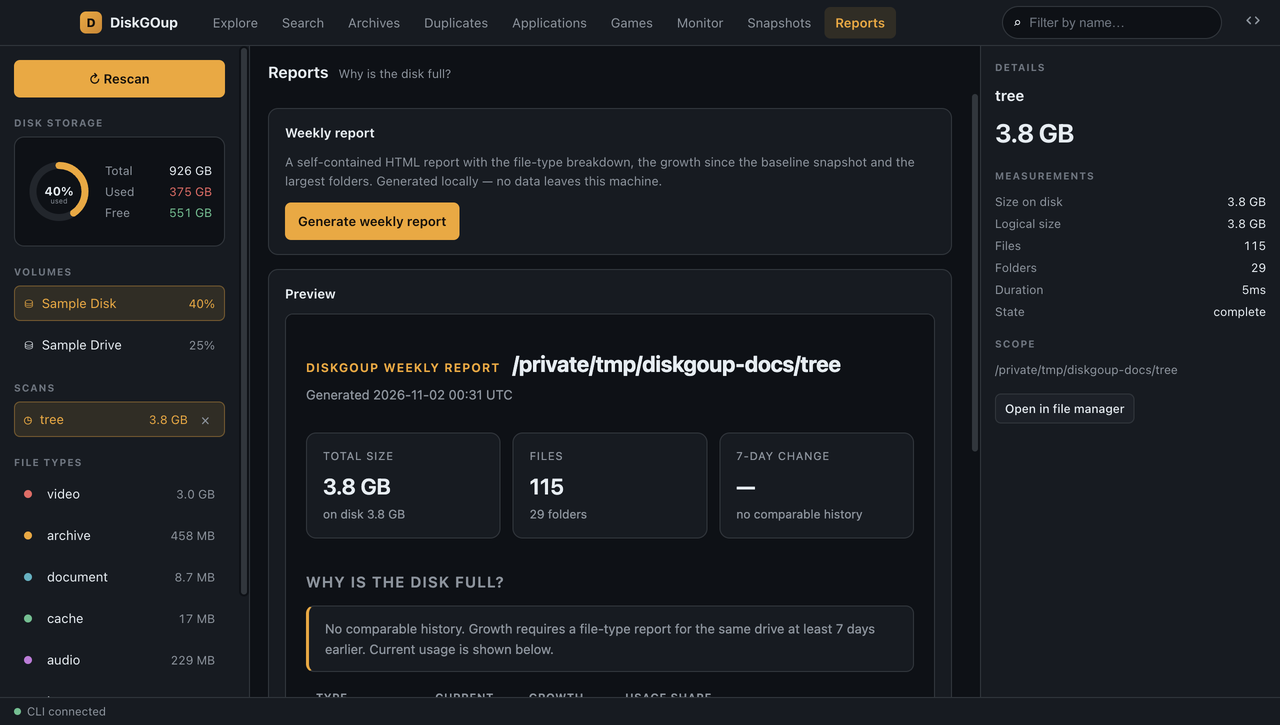
The Reports section answers the question the whole app is built around: why is the disk full?
The weekly report
Section titled “The weekly report”Generate weekly report builds a self-contained HTML report with the file-type breakdown, the growth since the baseline snapshot and the largest folders. It is generated locally — no data leaves the machine — and it is shown in a preview pane right below the button.
The file-type report
Section titled “The file-type report”Generate CSV report produces the per-type size and share of the scanned bytes as CSV, and offers it as a download.
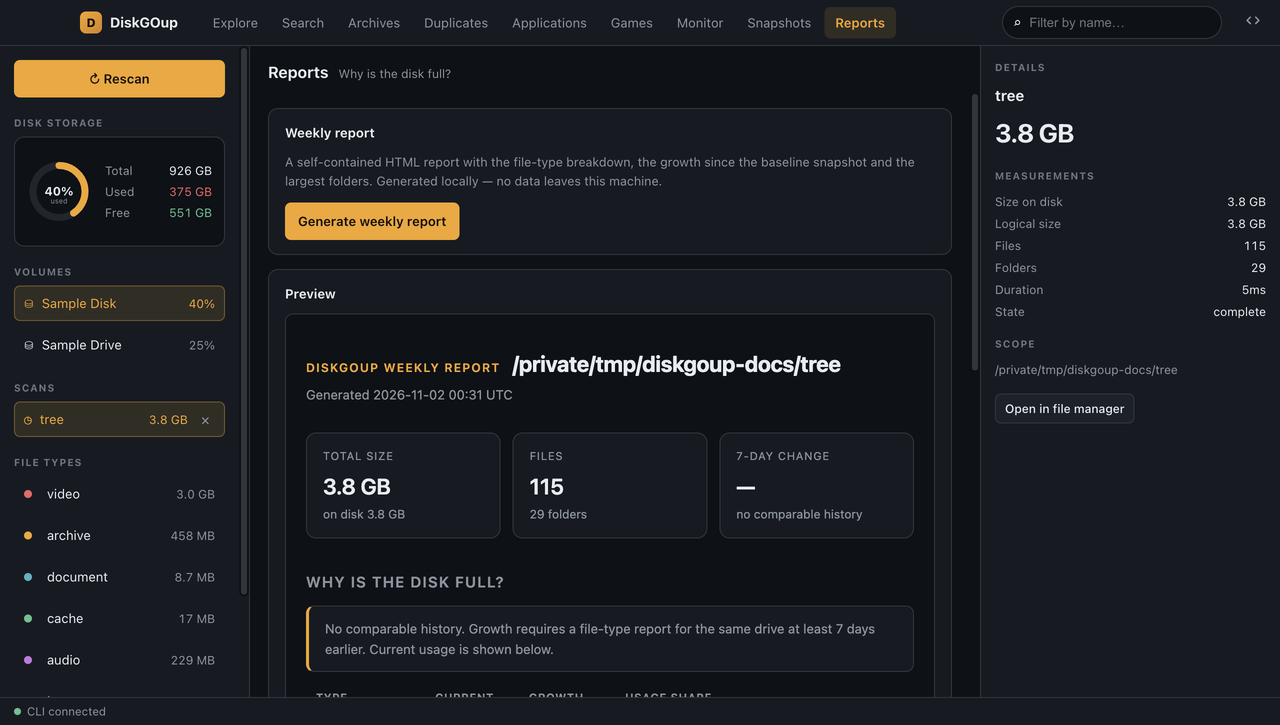
The note at the bottom of the section states when the scan was taken and that files inside cache and log folders count only in that group — so nothing is counted twice.
See Reports for the command-line equivalent.